 BanditAI
E-File Form 1099-PATR Online to Report Cooperative Distributions
Bring in your distribution data, validate the details, e-file 1099-PATR forms with the IRS and states, and send recipient copies in one submission.
From $0.80/form at volume. Free corrections and retransmissions. Rated 4.9 by 52,784 filers.
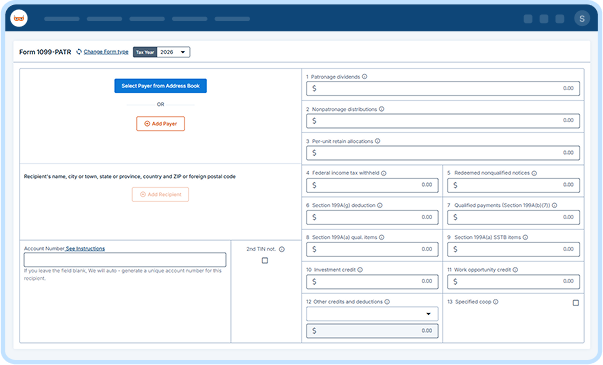
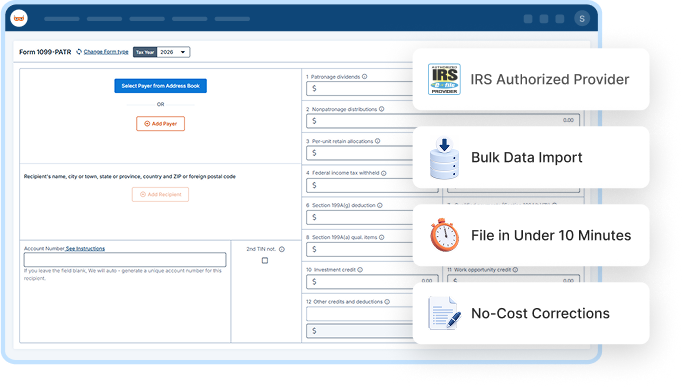

IRS Authorized Provider

File in Under 10 Minutes

No-Cost Corrections

Money-Back Guarantee
4.9/5
52,784 verified reviews
1M+
Businesses served
$0
Hidden fees
24/7
Live customer support
100%
Accuracy guarantee
Form 1099-PATR: What You Need to Know
Form 1099-PATR is used by cooperatives to report taxable distributions to their members or patrons, including patronage dividends, per-unit retain allocations, and other taxable distributions.
Cooperatives generally report distributions of $10 or more and must file Form 1099-PATR with the IRS and furnish the required copies to recipients.
One Platform, Built for However You File Form 1099-PATR
Whether you're filing one form or ten thousand, TaxBandits fits the way you already work.

For Cooperatives
Filing It Yourself
New to Form 1099-PATR? We walk you through every box.
- Built-In W-9 Collection
- Real-Time TIN Matching
- AI Assistant
- Live Customer Support

For Tax Professionals
Filing for Clients
Manage every client's filings from a single dashboard.
- Multi-Client Dashboard
- Role-Based Team Access
- Bulk Filing
- Branded Client Portal

For Large Co-ops / Enterprises
Filing at Scale
Pull data from your own systems and file in bulk.
- Custom Data Ingestion
- Complex Compliance Support
- API Access
- Dedicated Support
Ready to streamline your 1099-PATR filing?
Everything Your 1099-PATR Filing Actually Needs
Handle every stage of filing 1099-PATR online, from data collection to recipient delivery,
in one place.

CSV Template
Use our CSV template to import your 1099-PATR data in bulk.
Download Template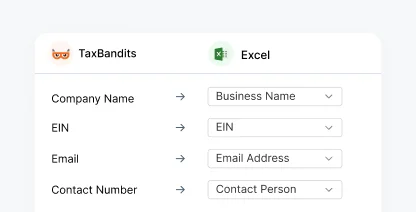
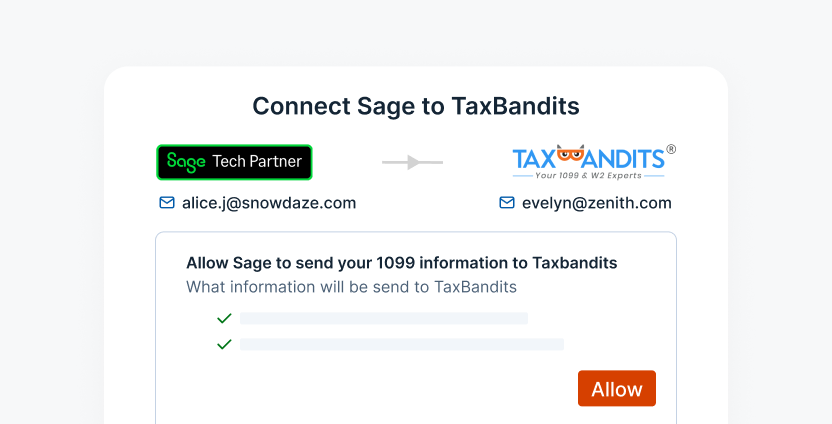
Sage Integration
Import 1099-PATR data directly from your Sage account and e-file without data re-entry.
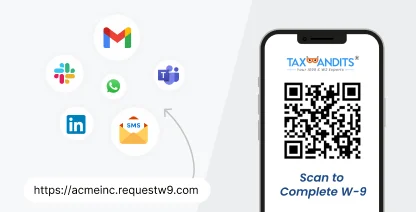
Seamless W-9 Collection
Collect a recipient's TIN before you prepare the 1099-PATR forms.
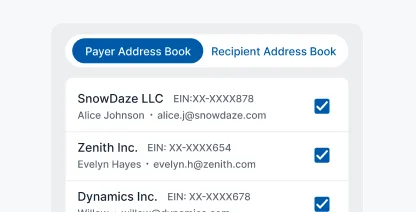
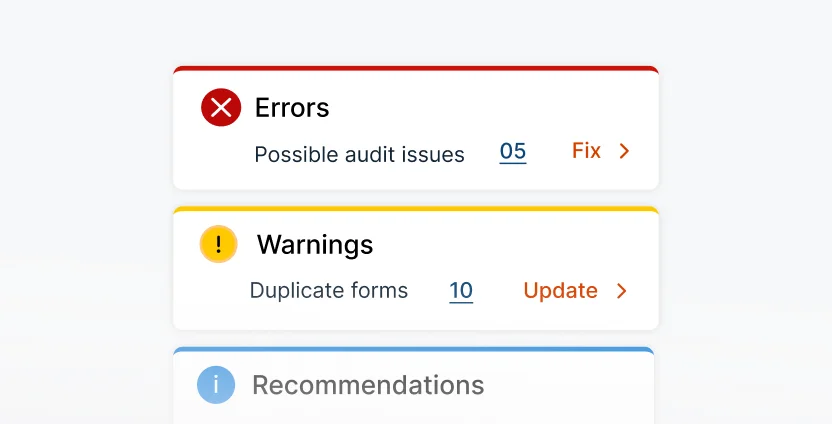
Smart Audit & Review
Identify missing information and potential filing errors before submitting your forms.
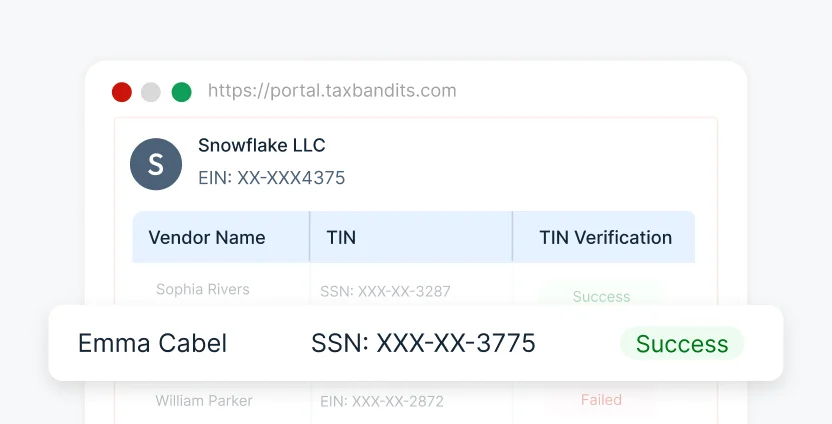
TIN Matching
Verify recipient TINs with IRS records before
submitting your 1099-PATR forms.
IRS Business Validation
Verify payer information against current IRS requirements before
filing.

Address Verification
Confirm recipient addresses through USPS records before delivering recipient copies.
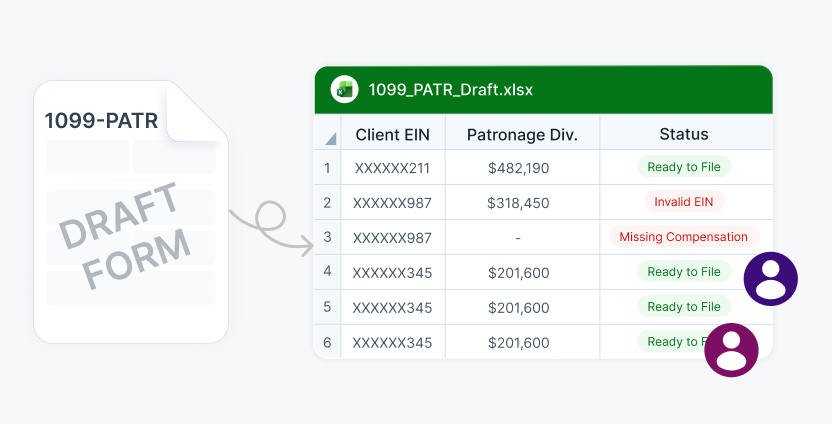
Share Forms for Review
Share draft forms with your team before submission.
Federal Filing
File your federal 1099-PATR forms in one streamlined submission.
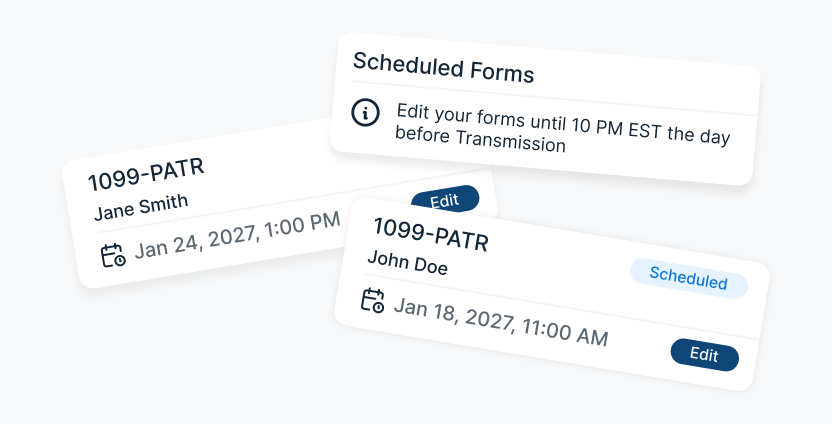
Schedule Filing
Prepare forms in advance and choose when
to transmit them.
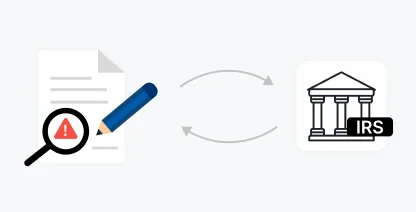
Free Retransmission
Fix rejected returns and retransmit them without
additional filing fees.

10-Year Storage
Keep filed 1099-PATR copies securely accessible
for up to ten years.

AI & Live Support
Get filing assistance from BanditAI or connect with a live representative.
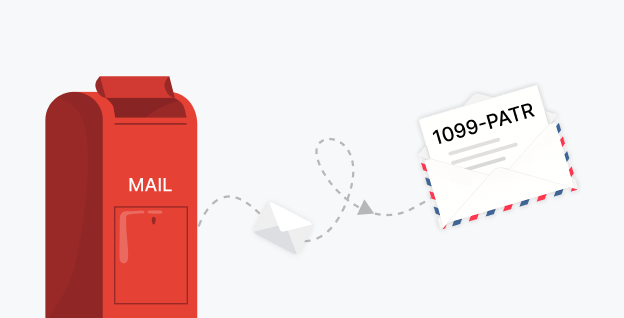
Postal Mailing
Mail recipient copies and track them from dispatch to delivery.
Recipient Portal Access
Give recipients secure, lifetime access to their 1099-PATR online.
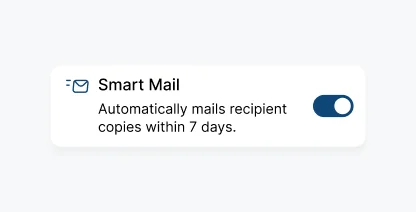
Smart Mail
Automatically mail a physical copy when a recipient does not view their online form.
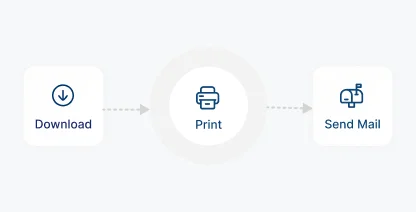
Print & Mail Yourself
Download recipient copies and print and mail on your own.

Foreign Mailing
Send recipient copies securely to recipients located outside the U.S.
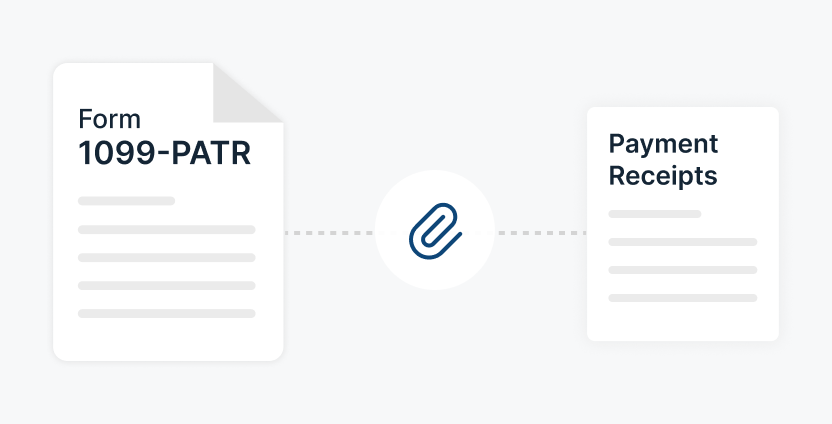
Attach Supporting Documents
Include supporting documents with the recipient copy when required.
Our Trusted Partners & Integrations for 1099-PATR E-Filing
Connect with the tools you already use
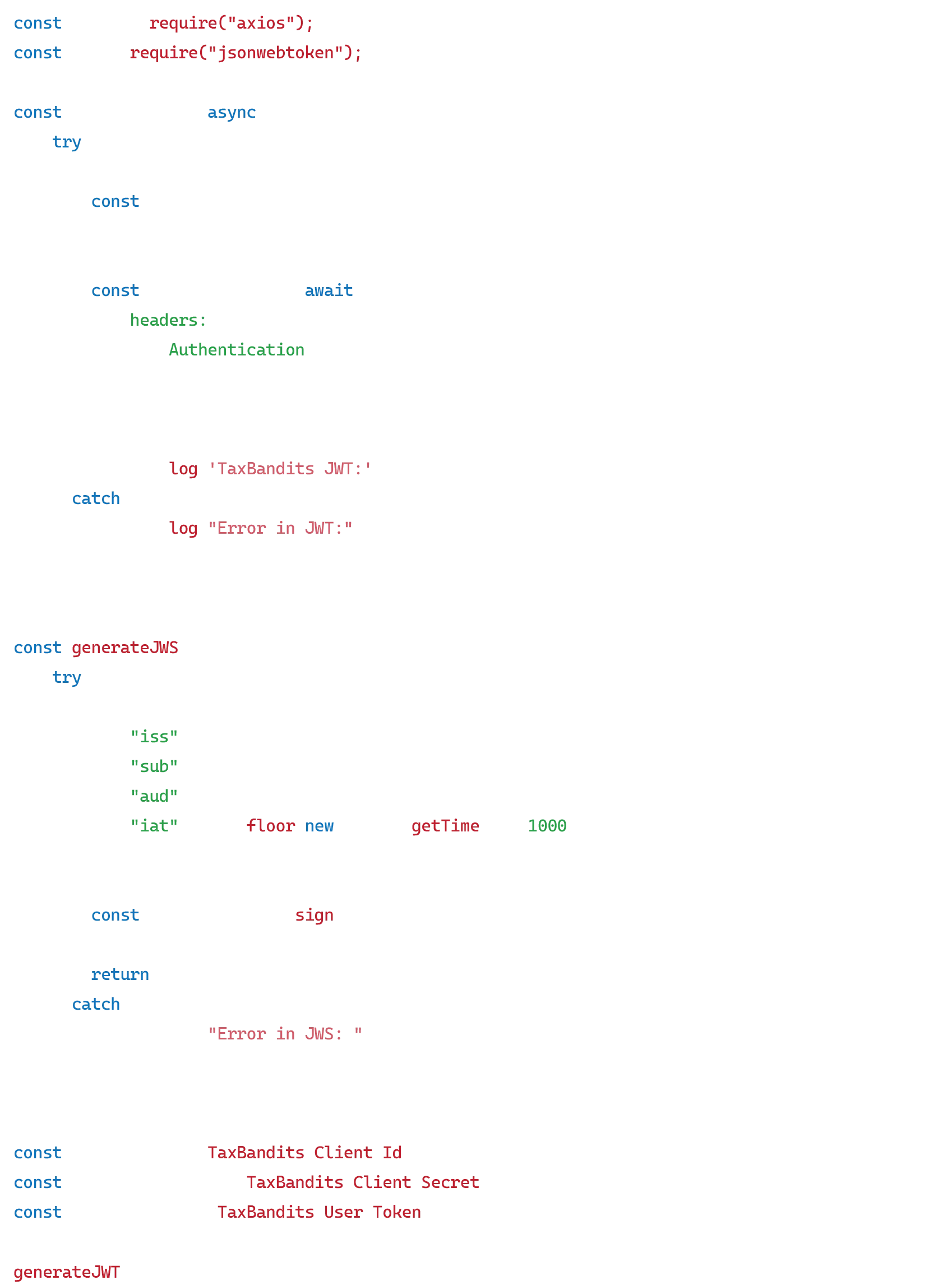
Automate End-to-End Form 1099-PATR Filing With Our API
Connect our API directly to your existing systems; no need to switch platforms or re-enter data. Collect recipient details, validate TINs, and e-file Form 1099-PATR at year-end.

POST /v1/Form1099
Exclusive Tools Built for Tax Professionals and High-Volume 1099-PATR Filers
When one client is a farm supply cooperative, and the next is a credit union, keeping every account, box amount,
and filing status straight shouldn't mean rebuilding your process for each one.
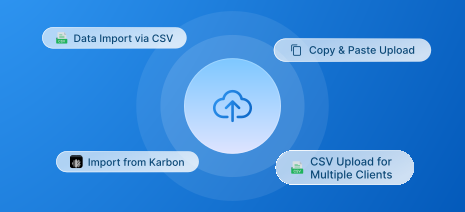
Bulk Filing
Import data using bulk templates or API, regardless of how many clients or forms you manage.
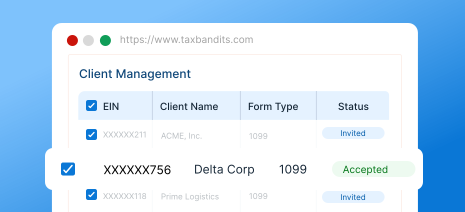
Client Management
Track every client's filings and status from one place instead of a separate spreadsheet per client.
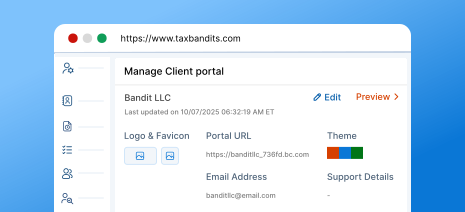
Branded Client Portal
Give each client a portal and communications that carry your firm's own brand, not ours.
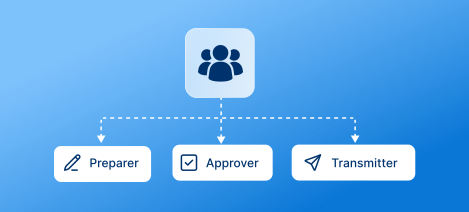
Team Management
Add team members and assign preparer, approver, and transmitter roles based on their responsibilities.

Flexible Payment Options
Get volume-based discounts as your filing count grows, with prepaid credits available for flexible payment.
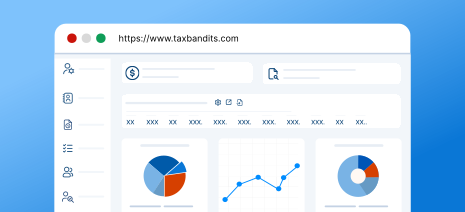
Custom Reports
Pull reports on team performance and client filings to see where the time actually goes.
For high-volume filing, call (704) 684-4758 for custom pricing.
What Information Is Required to E-File Form
1099-PATR Online
Gather these details before you start, and e-file Form 1099-PATR
with TaxBandits in minutes.
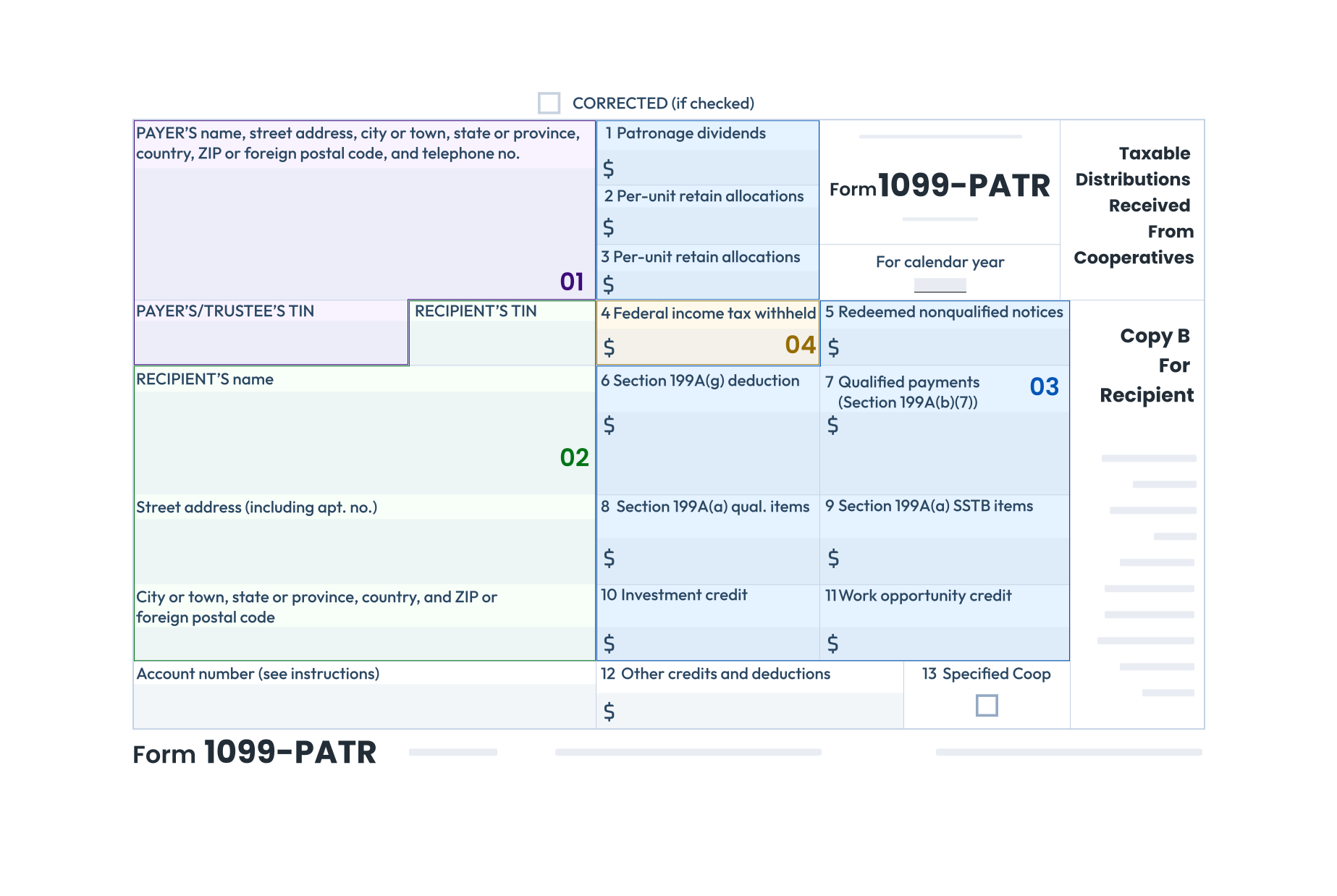
Payer Details
Payer name, TIN, and address.
Recipient Details
Recipient name, TIN, and address.
Payment Details
Patronage dividends, nonpatronage distributions, per-unit retain allocations, federal income tax withheld, and redeemed nonqualified notices.
State Details
State tax withheld, state/payer's state number, and state per-unit distribution amount.
1. Payer Details
Payer name, TIN, and address.
2. Recipient Details
Recipient name, TIN, and address.
3. Payment Details
Patronage dividends, nonpatronage distributions, per-unit retain allocations, federal income tax withheld, and redeemed nonqualified notices.
4. State Details
State tax withheld, state/payer's state number, and state per-unit distribution amount.
Get started with TaxBandits to report your Form 1099-PATR online!
How to E-File Form 1099-PATR Online With TaxBandits
TaxBandits lets you import your Form 1099-PATR data, review the information, and complete filing
through one streamlined workflow.
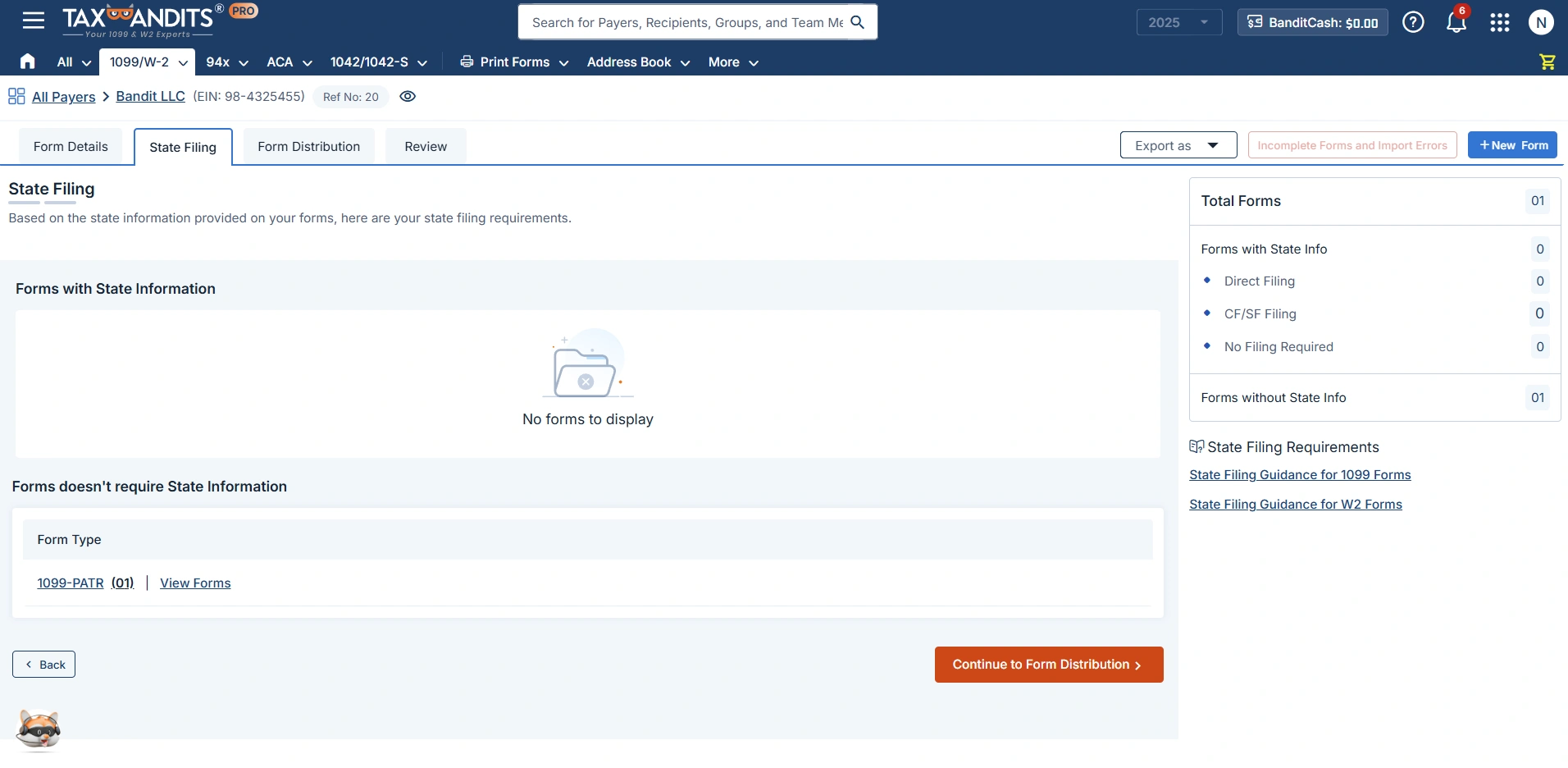
Import and Validate
Bring in your data via a template or your own file, then review checks before submission.

CSV Templates

Bulk Upload
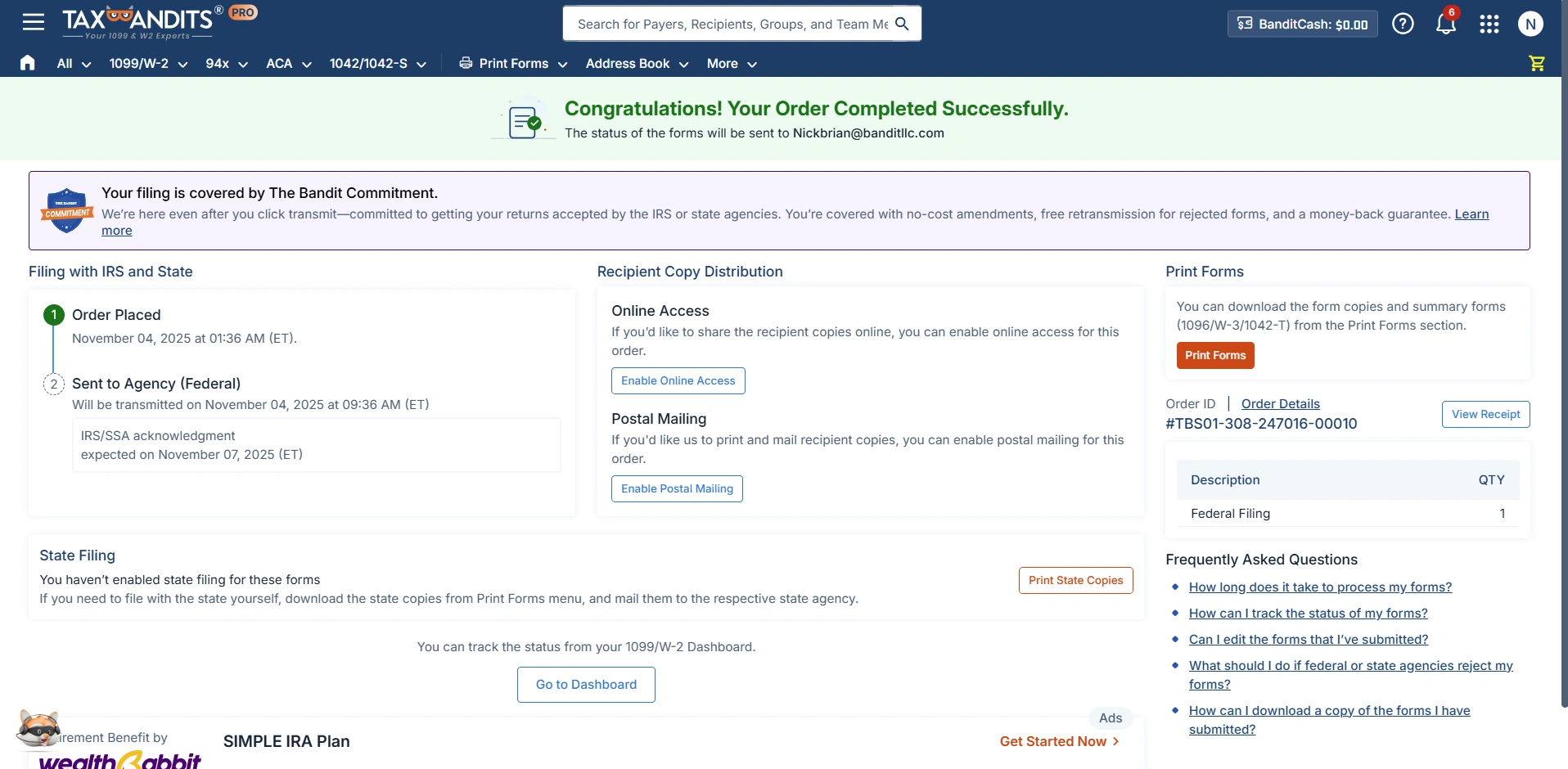
File with IRS
Submit your federal return and get real-time acknowledgment from the IRS.

1099-PATR

Validate & Review

Submit to IRS

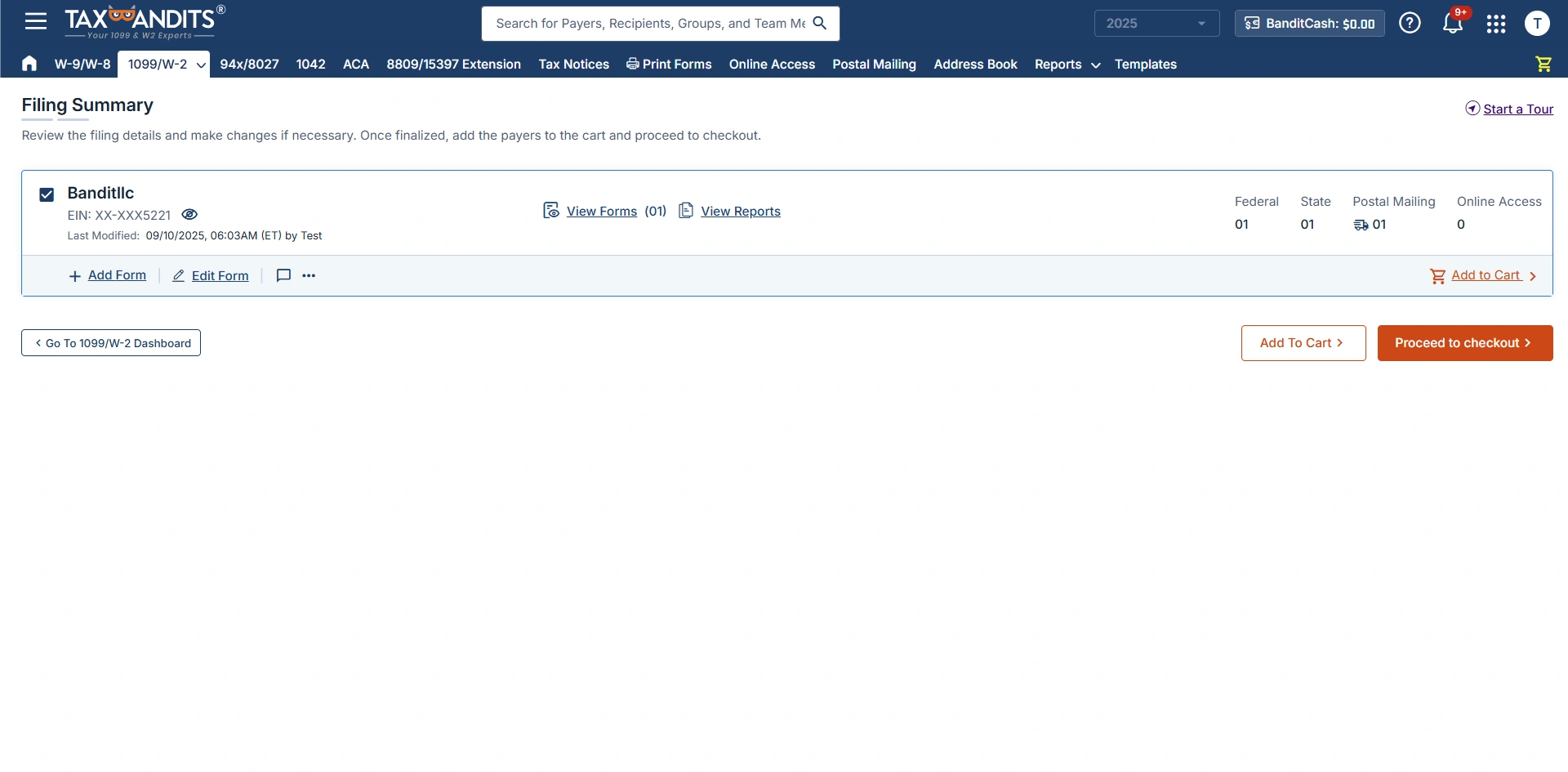
Track Filing Status
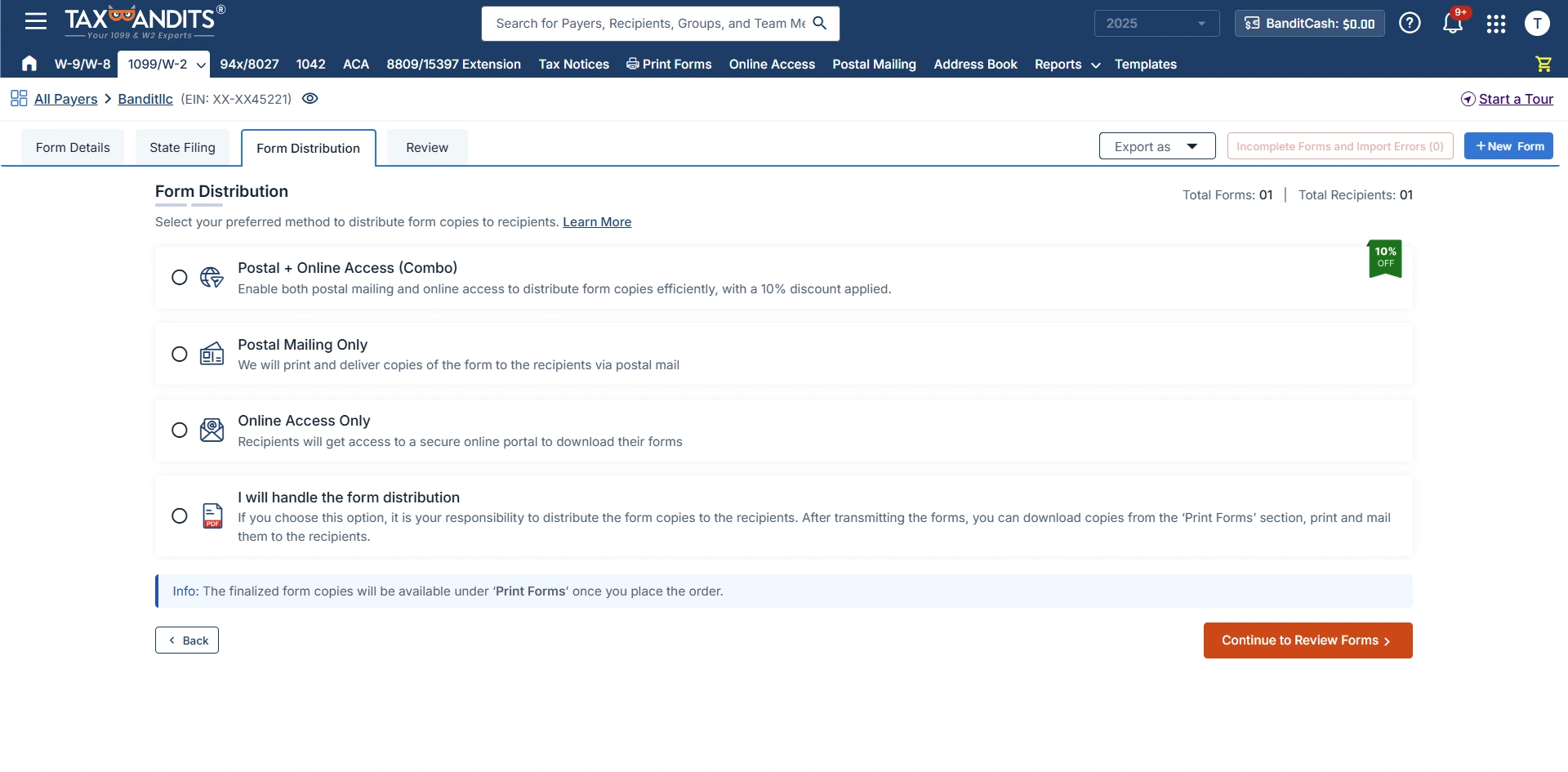
Distribute Recipient Copies
Send recipient copies by mail, through the online portal, or both.

Ready to e-file Form 1099-PATR with the IRS?
The Bandit Commitment
Ensuring Peace of Mind for Every
Form 1099-PATR You File
Filing a 1099-PATR means more than submitting accurate payment information. The Bandit Commitment reflects how TaxBandits supports your filing from preparation through completion.
-
Getting the right data in
Validate payer and recipient information before you submit your 1099-PATR forms.
-
Guided, end-to-end compliance
Federal filing, state filing, and recipient distribution are managed together.
-
No-cost corrections and retransmissions
Corrections and retransmissions are included at no extra cost.
-
Money-back guarantee
If a 1099-PATR cannot be accepted or filed in duplicate, the filing fee is refunded.
Get the Industry's Best Pricing for Quick and Accurate 1099-PATR Filing
Pricing per form based on volume
| No. of Forms | 1-10 | 11-100 | 101-250 | 251-500 | 501-2000 |
| Federal Filing | $2.75 | $1.75 | $1.15 | $1.00 | $0.80 |
Add-on
Price
USPS Address Validation
FREE
TIN Matching
$0.35 / TIN
Online Access
$0.50/recipient
Postal Mailing
$1.85/form
Postal (International)
$4.99/form
Postal + Online (Combo) 10% OFF
$2.12/form
Calculate Your Federal Filing Cost
Estimated Total
$2.75
For Bulk Filers
Filing more than 2,000 forms?
Frequently Asked Questions
Form 1099-PATR, Taxable Distributions Received From Cooperatives, is used by cooperatives to report $10 or more in patronage dividends and other reportable distributions paid to a person. A Form 1099-PATR is also required when federal income tax is withheld under the backup withholding rules, regardless of the payment amount.
Cooperatives must file Form 1099-PATR for each person who receives at least $10 in patronage dividends or other reportable distributions under section 6044(b). A form is also required when federal income tax is withheld under the backup withholding rules, regardless of the payment amount.
Common types of cooperatives may include:
- Agricultural cooperatives
- Utility cooperatives
- Consumer cooperatives
- Worker cooperatives
- Credit union cooperatives
For tax year 2026, the Form 1099-PATR deadlines are:
- Recipient Copy: February 1, 2027
- Paper Filing: March 1, 2027
- E-filing: March 31, 2027
If a deadline falls on a weekend or legal holiday, it moves to the next business day.
A member generally has a membership relationship with the cooperative, while a patron is a person who conducts business or transactions with the cooperative. A person can be both a member and a patron.
| Members | Patrons |
|---|---|
| Have a membership relationship with the cooperative | Conduct business or transactions with the cooperative |
| May have ownership or other membership rights | May or may not be members |
| Rights and participation depend on the cooperative's rules | Distributions may be based on business conducted with the cooperative |
| Can also be patrons | Can receive reportable distributions |
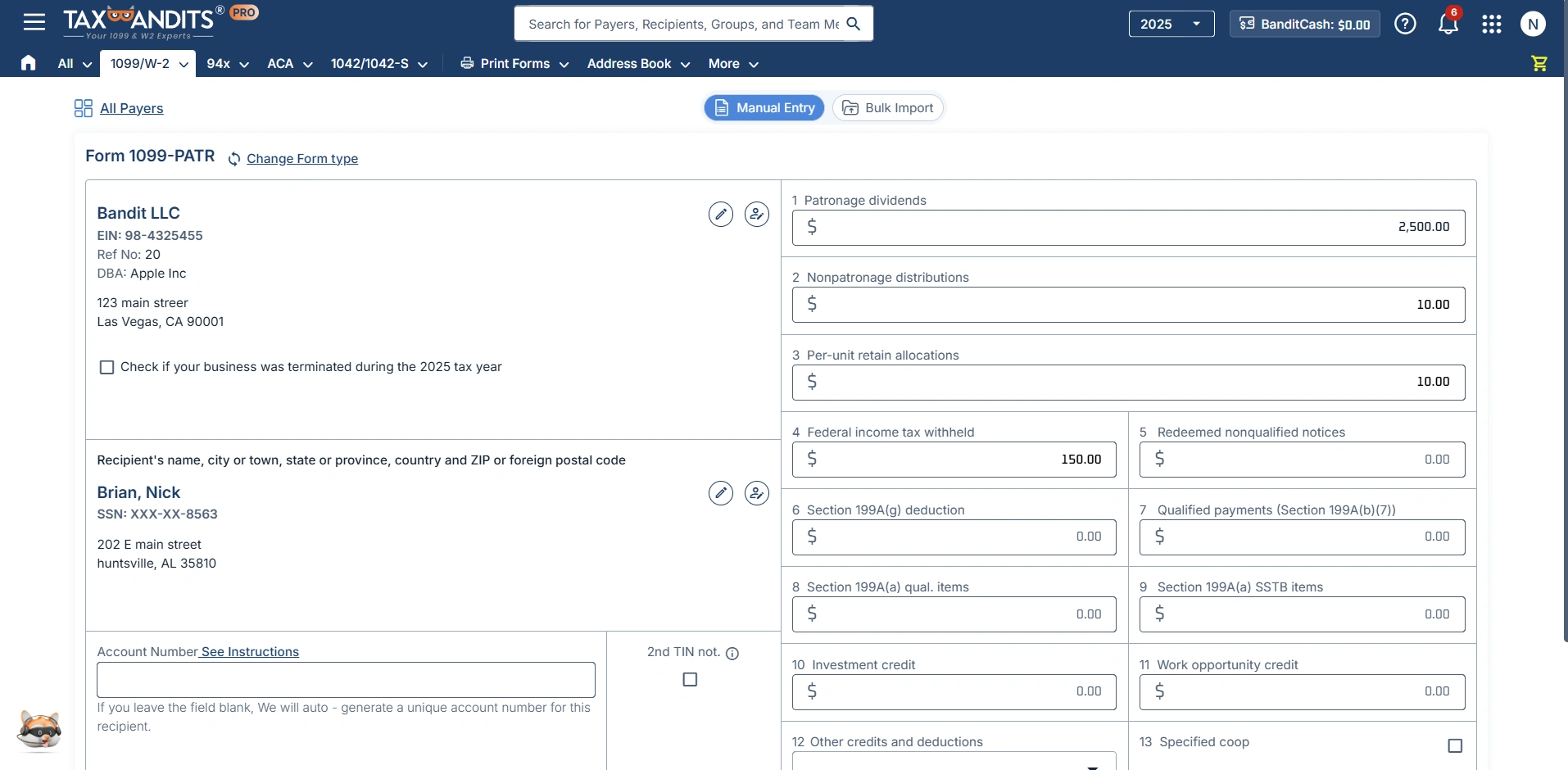
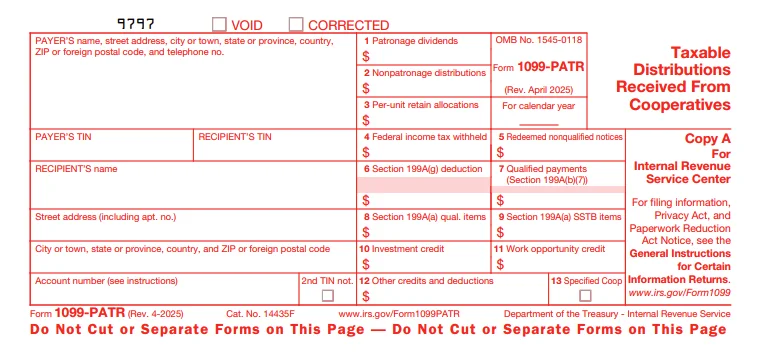
To complete Form 1099-PATR, enter the cooperative's information, recipient details, and applicable distributions, credits, deductions, and other reportable amounts.
Payer Information
Enter the cooperative's name, address, TIN, and required contact information.
Recipient Information
Enter the recipient's TIN, name, and address.
What to report in each box?
- Box 1: Patronage Dividends - Report the patron's share of patronage dividends paid in cash, qualified written notices of allocation, and other qualifying property.
- Box 2: Nonpatronage Distributions - Report applicable nonpatronage distributions from farmers' cooperatives exempt under section 521.
- Box 3: Per-Unit Retain Allocations - Report the patron's share of per-unit retain allocations paid in cash or other qualifying forms.
- Box 4: Federal Income Tax Withheld - Report federal income tax withheld under backup withholding rules.
- Box 5: Redeemed Nonqualified Notices - Report redeemed nonqualified written notices of allocation and applicable per-unit retain certificates.
- Box 6: Section 199A(g) Deduction - Report the patron's share of the section 199A(g) deduction passed through by the cooperative.
- Box 7: Qualified Payments - Report qualified payments made by specified agricultural or horticultural cooperatives.
- Box 8: Section 199A(a) Qualified Items - Report qualified items of income, gain, deduction, or loss that are not from specified service trades or businesses.
- Box 9: Section 199A(a) SSTB Items - Report applicable qualified items from specified service trades or businesses.
- Box 10: Investment Credit - Report the patron's share of the investment credit.
- Box 11: Work Opportunity Credit - Report the patron's share of the Work Opportunity Credit.
- Box 12: Other Credits and Deductions - Report applicable other credits and deductions.
- Box 13: Specified Cooperatives - Check this box when reporting as a specified agricultural or horticultural cooperative.
Generally, cooperatives are not required to file Form 1099-PATR for payments made to a corporation, a tax-exempt organization, including certain tax-exempt trusts, the United States, a state, a possession, or the District of Columbia.
A cooperative primarily engaged in the retail sale of goods or services intended for the personal, living, or family use of its members may also request an exemption from filing by following the applicable IRS requirements.
No. Dividends paid on a cooperative's capital stock are generally reported on Form 1099-DIV, not Form 1099-PATR. Form 1099-PATR is used for patronage dividends and other distributions described under section 6044(b).
Ready to File Form 1099-PATR?
Join over a million businesses who trust TaxBandits for accurate,
on-time 1099-PATR filing.
- Authorized IRS e-file provider
- Bank-grade security
- Free retransmission